XARENA
Digital Green Screen

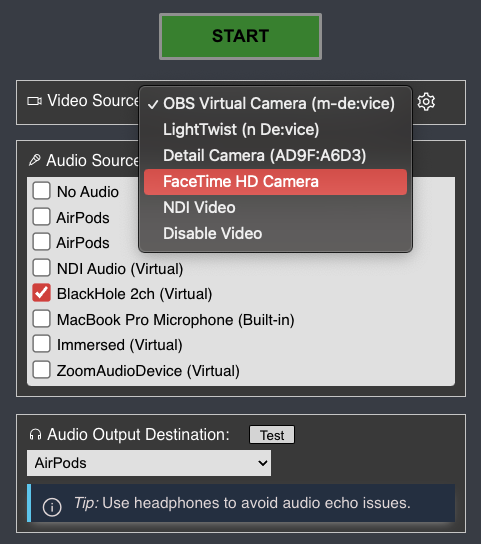
How to start the live camera feed to your virtual space on the “Camera Feed” page:

  1. Click “Share your Camera” on the left
  2. Select your webcam or other video source
  3. Select your audio source / interface / microphone
  4. Place your camera accordingly (see examples below)
  5. Hit start!

Make sure to use the latest Chrome browser on computers orĀ mobile Safari or Chrome on mobile devices.

Example how to frame yourself when standing up. (placeholder photo)

How to frame the camera when sitting down. (placeholder photo)